






AI Browser Automation Agent
Automate complex browser tasks hands-free with an autonomous AI agent. It navigates websites, extracts data, and completes workflows for you.
Chat, talk, automate tasks, and work with your favorite web apps – no code required.
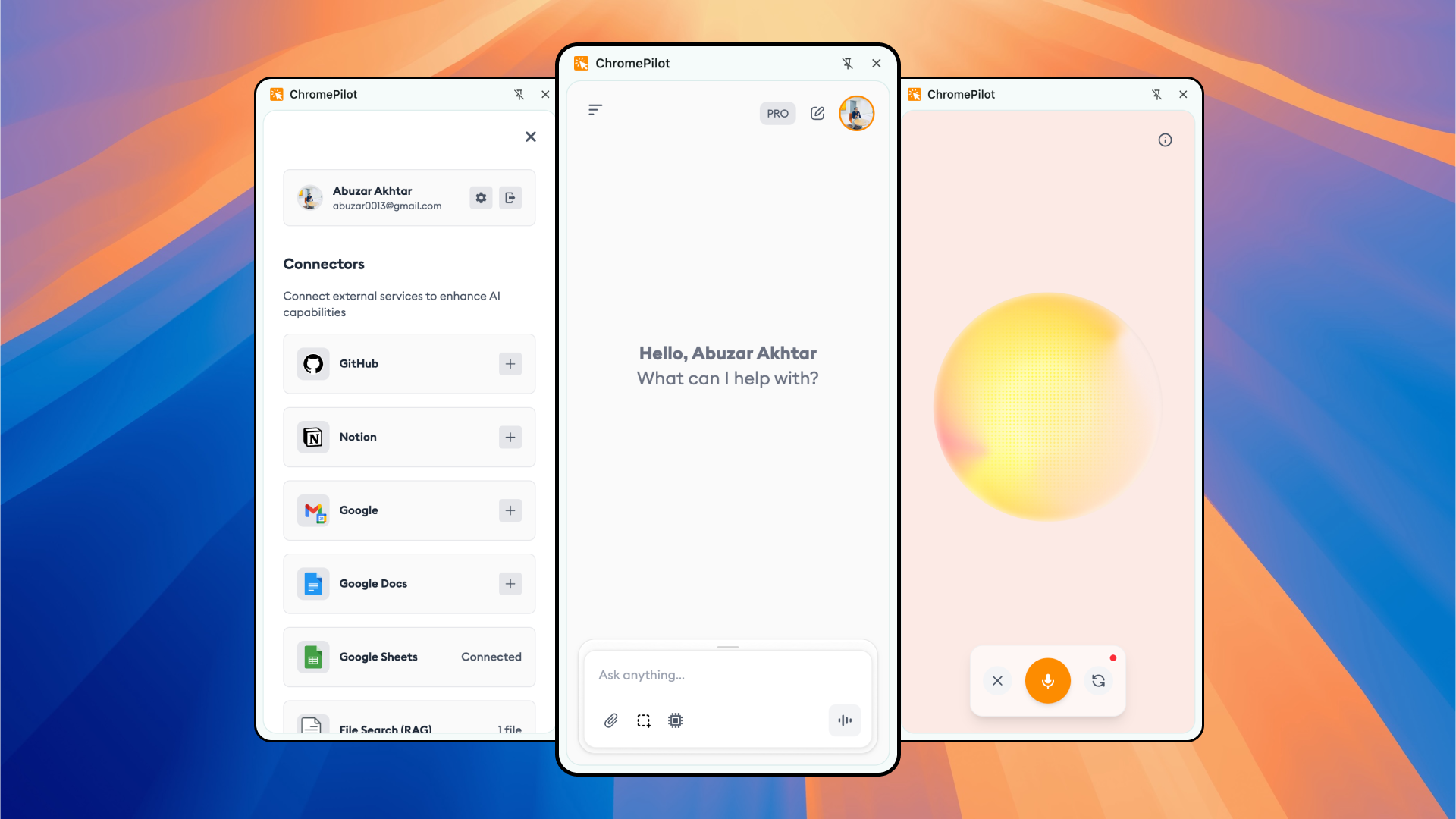
ChromePilot brings the power of AI agents directly into your daily workflow. Automate, create, and explore without limits.
Automate complex browser tasks hands-free with an autonomous AI agent. It navigates websites, extracts data, and completes workflows for you.
Get accurate, up-to-date answers powered by live Google search grounding. ChromePilot browses, summarizes, and cites credible sources instantly.
Automatically fill complex web forms with intelligent AI. Upload a resume or document and let ChromePilot extract data and populate every field.
Upload PDFs, Word docs, or spreadsheets and ask questions. ChromePilot uses RAG to search semantically and cite exact answers from your files.
Generate stunning high-resolution images from text prompts directly in your browser. Supports text-to-image, image editing, and custom dimensions.
Talk to an AI that sees your screen in real time. Get voice-guided help, visual pointers, text generation, and hands-free browsing.
Listen to any web article with natural-sounding voices. Features real-time word highlighting, auto-scroll, adjustable speed, and 30+ voice options.
Type hands-free on any website using your voice. ChromePilot transcribes speech to text and inserts it directly into any input field instantly.
Connect ChromePilot to Zapier, Make, and n8n via a custom webhook. Trigger powerful automation workflows from your browser in one command.
Attach open browser tabs to your AI chat. ChromePilot reads pages locally—even paywalled or private ones—to answer questions and extract data.
Connect PostgreSQL, MySQL, or Neon to ChromePilot instantly. Get AI-powered data insights securely using read-only SQL queries.
Connect your GitHub account to ChromePilot to manage repositories, issues, and pull requests directly from your browser sidebar using AI.
Connect Gmail and Google Calendar to ChromePilot. Send emails with HTML, manage your schedule, and automate your workspace with AI.
Connect Google Sheets to ChromePilot to read, write, and automate your spreadsheets using AI. Perfect for data extraction, batch updates, and dynamic reporting.
Your data stays yours. Chat history syncs directly to your Google Drive, not our servers. Works seamlessly on Chrome, Edge, Brave, Arc, and all Chromium browsers.
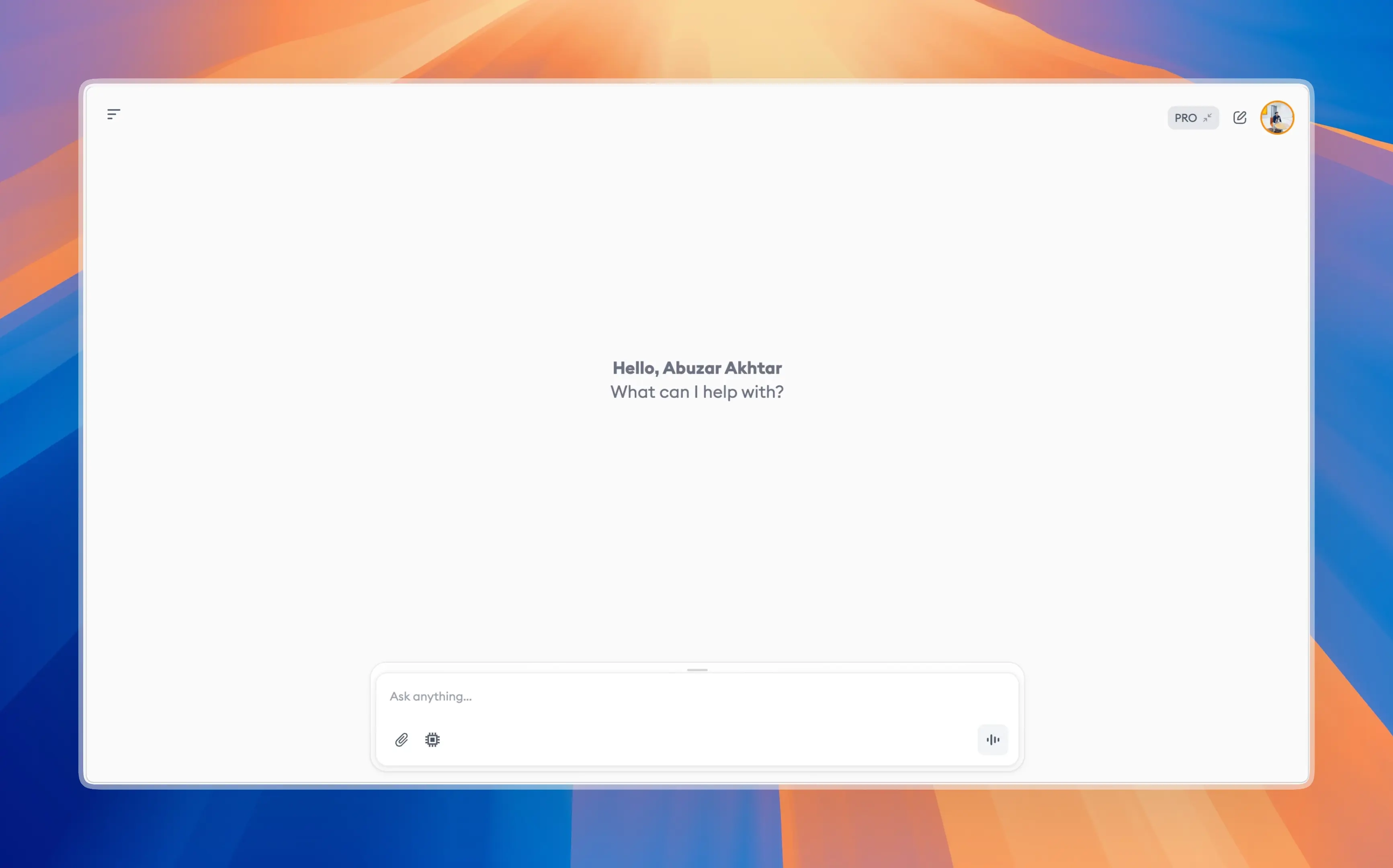
Experience an immersive, full-screen conversational interface designed for absolute focus.
Use the basics for free — no sign-up needed. Unlock every advanced feature forever with a one-time license and your own API key.




Your $5 comes off the license if you upgrade






Rated 4.9 out of 5 from 23 reviews on the Chrome Web Store — by people who automate their browser with ChromePilot every day across Chrome, Edge, Brave & Arc.
ChromePilot's automatic type mode is a game-changer! I just told it to 'send a follow-up email to my client about the project deadline' and it did everything perfectly. Saved me 10 minutes of manual work.Sarah ChenDigital Marketing Manager
The voice mode is incredible - it's like having a conversation with my browser. I can ask it to explain what's on the screen and it actually performs actions just like a human would. Revolutionary!Marcus RodriguezSoftware Developer
really a game changer and time saver i was spending lots of time doing revision from long youtube videos but now its so easy to just summarize whole video ..THIS IS AMAZINGAsiya IrshadGenAI Engineer
As someone who prefers voice commands, the manual voice mode is fantastic. It shows me exactly where to click with arrows and tells me what to do next. Makes browsing so much easier.David KimProduct Manager
ChromePilot automated my entire morning routine - checking emails, updating project boards, and sending daily reports. The automatic mode understands natural language perfectly!Jennifer LopezOperations Coordinator
The extension's ability to see and understand screen content in voice mode is mind-blowing. I can have full conversations about what's displayed and it performs actions accordingly.Alex ThompsonData Analyst
Write Hey ChromPilot, please fill this google form/job application and relax ! This is gem guysAsim JunaidGenAI Engineer
I've tried many browser automation tools, but ChromePilot's natural language processing is on another level. Just say what you want, and it happens - like magic!Robert JohnsonBusiness Analyst
The voice interaction feels so natural, like talking to a knowledgeable assistant who can actually see my screen. It's transformed how I work with web applications.Lisa WangFreelance Writer
ChromePilot's four modes cover every use case perfectly. Whether I need full automation or step-by-step guidance, there's always the right mode for the task at hand.Michael BrownTech Consultant
Comparisons
An honest look at ChromePilot next to agentic browsers and in-browser AI agents. Tap any column to see the full breakdown.
| Feature | ChromePilot | Agentic BrowsersComet, Dia, etc. | Manus | Gemini in Chrome | Claude in Chrome |
|---|---|---|---|---|---|
| Product type | Browser extension | New browser | Cloud agent | Built into Chrome | Browser extension |
| Works on your existing browser | ✓ Chrome, Edge, Brave, Arc | ✗ must switch | ✗ web app | Chrome only | Chrome, Edge |
| Autonomous browser automation | ✓ | ✓ | ✓ | Paid preview | ✓ |
| Read pages aloud (text-to-speech) | ✓ 30+ voices | Limited | ✗ | Limited | ✗ |
| Voice mode & voice typing | ✓ | Limited | Limited | Varies | ✗ |
| Chat with your PDFs (RAG) | ✓ with citations | Varies | ✓ | Limited | Limited |
| App connectors (Gmail, Slack…) | ✓ | Varies | Varies | Google apps | Limited |
| Bring your own API key | ✓ | ✗ | ✗ | ✗ | ✗ |
| Pricing | Free + BYOK | Free / paid | Freemium | Google account | Subscription |
Comparison based on publicly available information as of July 2026. Product names are trademarks of their respective owners; ChromePilot is not affiliated with, or endorsed by, them. Features change often — verify current capabilities on each product’s site.
Everything you need to know about ChromePilot. Can't find the answer you're looking for? Reach out to our support team.
An AI browser extension like ChromePilot adds an AI assistant directly to your browser. It can read and summarize pages, answer questions, automate multi-step tasks, and take actions on websites using plain-English commands — without leaving the tab you are on.
Yes. ChromePilot’s basic features are free to use with no sign-up required, and it’s fully bring-your-own-key (BYOK) — you use your own Gemini API key, so your data stays private. Advanced features unlock with a one-time $49 lifetime license.
ChromePilot works on all Chromium-based browsers, including Chrome, Edge, Brave, and Arc — so you get the same AI assistant regardless of which one you use.
Yes. ChromePilot can navigate websites, click, scroll, and fill forms to complete multi-step tasks from a single instruction. It reads each field on the page and can fill forms — including job applications — from your saved details or an uploaded resume.
Yes. Upload a PDF or spreadsheet and ChromePilot uses Retrieval-Augmented Generation (RAG) to search it and answer your questions with citations to the exact source passages.
Yes. ChromePilot’s text-to-speech reads any article or page aloud with over 30 natural voices, highlighting each word as it goes — great for multitasking, research, or accessibility.
Yes. Activate the voice keyboard and dictate directly into any text field on the web — search bars, email composers, and forms — and ChromePilot transcribes your speech accurately, hands-free.
Yes. Because ChromePilot reads the content already loaded in your browser, it can summarize and answer questions about pages you are logged into or that sit behind a paywall, using your existing session.
Yes. ChromePilot connects to tools like Gmail, Google Calendar, Google Sheets, GitHub, and databases, so it can send emails, manage events, update spreadsheets, and act on your repositories directly from chat.
Click the ChromePilot icon or use a keyboard shortcut to open the sidebar assistant. It stays docked beside your pages, so you can research and automate tasks while you keep browsing.
Yes. Your data stays in your control — your chat history and personal context sync to your own Google Drive, not our servers. And before any sensitive or irreversible action, ChromePilot pauses and asks for your confirmation.